Transcribing confidential interviews: a practical guide for reporters
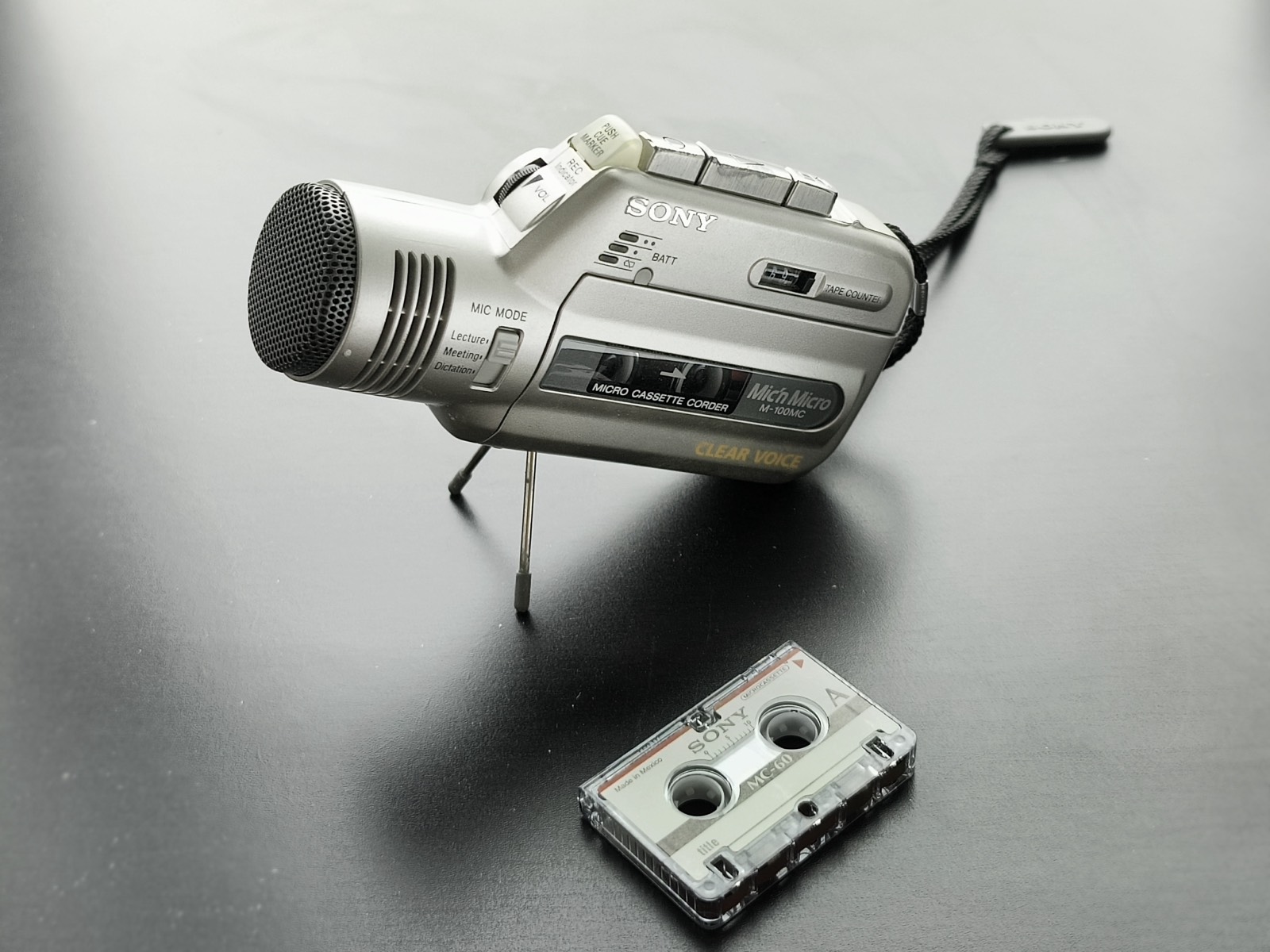
A microcassette recorder had one security feature that reporters rarely think about: the tape stayed in your pocket. Automatic transcription saves hours, but it can quietly put a copy of the recording somewhere else.
Start with the source, not the software
The Freedom of the Press Foundation’s review of popular transcription tools gives blunt advice: if audio in the wrong hands could put people at risk, avoid transcription services. So the first question is about the person speaking, and how badly a leak could hurt them.
- Low
A public talk, a press conference, your own notes
Almost any tool will do. Choose for accuracy and convenience.
- Medium
An unpublished interview with a named source, embargoed material
Keep it local where you can. If you upload, read the retention and training terms first, then delete the file from the service afterwards.
- High
A source who could lose their job, freedom or safety if identified
Do not upload it. Ask your security team, limit who can reach the file, and consider whether you need a transcript at all.
What changes when you stay local
Transcribing on your own device removes one party from the chain. It doesn’t remove every risk, and it’s worth being clear about which ones stay.
| Risk | Cloud service | On-device |
|---|---|---|
| Provider staff or vendors reach the file | Possible, subject to policy | No provider copy |
| A legal demand reaches the provider | Possible | Nothing for them to hand over |
| A breach at the provider | Your file may be included | Your file isn’t there |
| Your phone is seized or stolen | Depends on your account security | Still a risk, so use a strong passcode |
| You export or share the file | Your responsibility | Your responsibility |
A workflow for a sensitive interview
- Prepare before you leave. Download the model you want while you have a connection. After that, you don’t need one.
- Lock the phone down. Set a strong device passcode and turn on the app lock. Consider airplane mode so you can see that nothing is connected.
- Tell your source how it works. Say where the recording will live and who can reach it. Check the recording consent rules where you both are.
- Check quotes against the audio. Automatic transcripts make mistakes, and the mistakes can read smoothly. Tap the word and listen before you quote anyone.
- Treat exports as a new copy. A file you export leaves the encrypted library, so it needs its own protection and its own place in your retention plan.
- Decide when to delete. Agree this with your editor, and delete the recording and transcript when that time comes.
If you do use a cloud service
The same review has practical advice for lower-risk work. Use a long, unique password from a password manager, and turn on two-factor authentication if the service offers it. Limit who can reach the data, and delete transcripts from the service once you’ve safely downloaded them.
Your local options
EchoLocal isn’t the only way to stay on-device. The foundation also points to running OpenAI’s Whisper yourself, Google Recorder on Pixel phones and the on-device transcription in iPhone Voice Memos. These differ in languages, export formats and how much setup they need, so try a few on recordings you don’t mind losing.
EchoLocal runs on iPhone and Android, supports 19 languages and keeps a timestamp on every word, so checking a quote takes one tap. It has no accuracy guarantee, and no tool should be your only check. Try your own audio on the free models first.
Sources
- Freedom of the Press Foundation: How secure are journalists’ favorite transcription tools?
- Freedom of the Press Foundation: The 2026 journalist’s digital security checklist
Checked on 5 November 2026. This article is general information, not legal, medical or security advice.